
One Platform, Two Logins: How to Access Facebook Using Your Instagram Account
At a time when scrolling through social media platforms like Instagram has become a part of daily life, we all look for convenience. Thus, the ability to log into multiple social media platforms using a single app has become a game-changer.
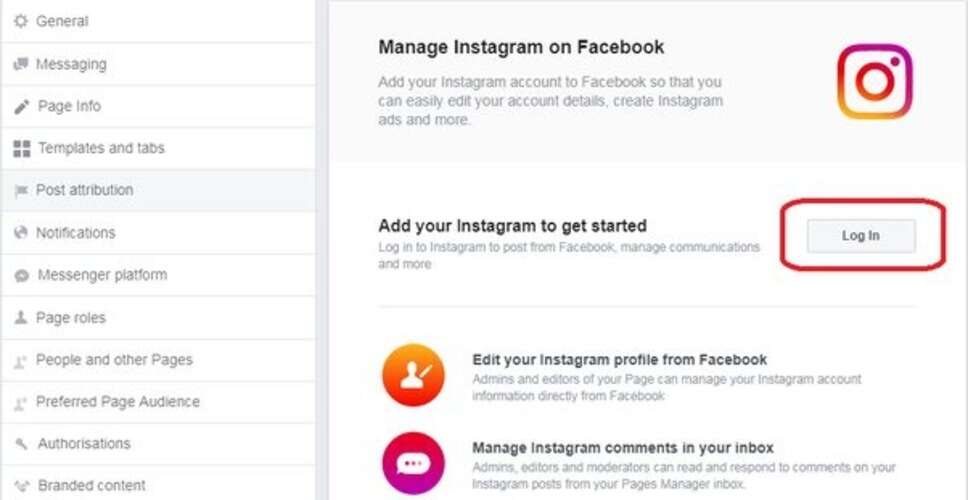

At a time when scrolling through social media platforms like Instagram has become a part of daily life, we all look for convenience. Thus, the ability to log into multiple social media platforms using a single app has become a game-changer.
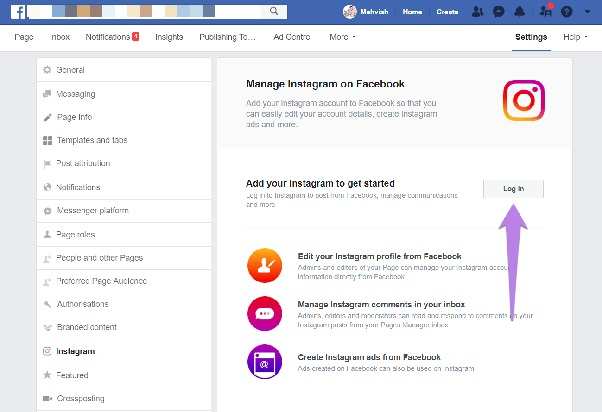
For instance, you can now seamlessly log into Facebook using your Instagram account.
You may have noticed that when posting stories on Instagram, an option often pops up asking if you want to share the same story on Facebook. While many people choose to deny, this automatic connection between Facebook and Instagram accounts occurs because they are often connected when they are used on the same device.
Have you tried it before? If you have faced difficulties trying to log into Facebook through Instagram, here is a simple guide on how to do it.
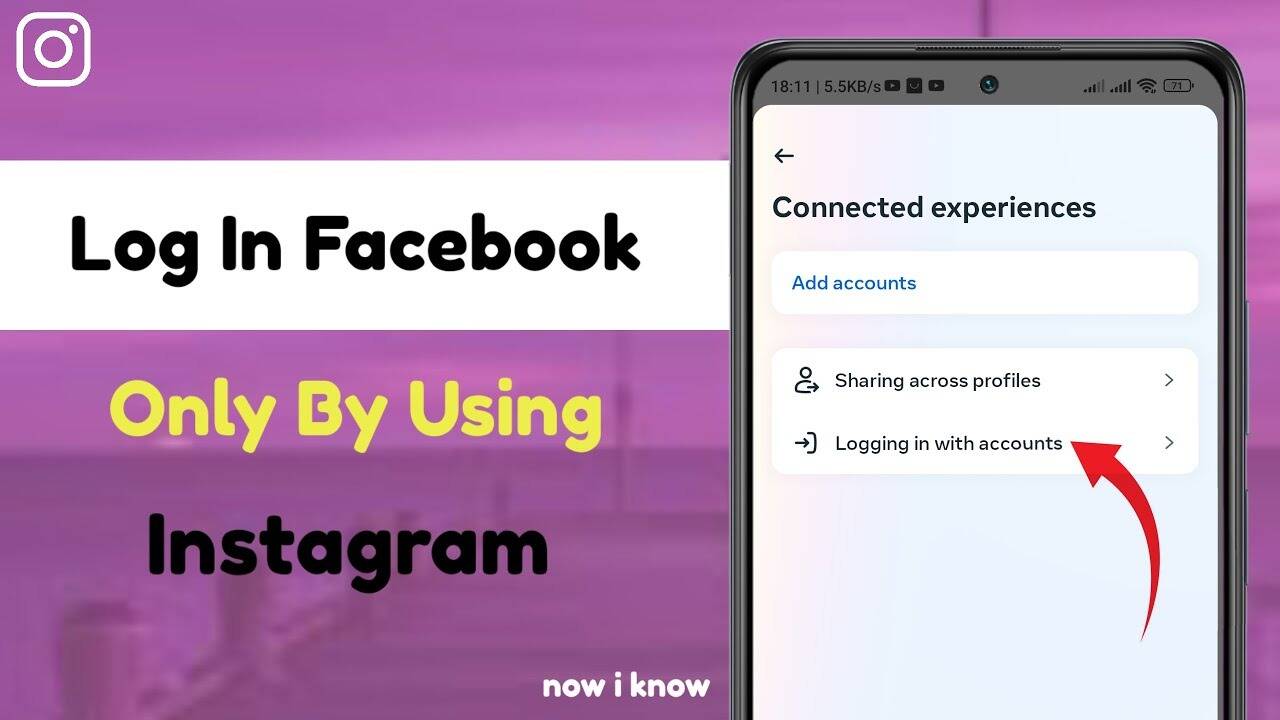
Step 1: Start with opening your Instagram account.
Step 2: At the top right corner, on your profile icon.
Step 3: Next, tap on the menu icon at the top right corner.
Step 4: Select "Settings and Privacy".
Step 5: Select "Account Center".
Step 6: Make sure your Facebook account is already added.
Step 7: Go back and select "Log in to other apps".
Step 8: Select "Advanced".
Step 9: Top up your Instagram account.
Step 10: Finally, the last step is to enable your Facebook account to allow signing in using your Instagram credentials.
Step 11: Now close the app and open Facebook.
Log in to your Facebook account using Instagram on desktop
Step 1: Start by opening your browser and navigating to Instagram.
Step 2: Log in to your Instagram account.
Step 3: Click on your profile icon. It is located in the bottom left corner.
Step 4: Look for the Settings option.
Step 5: Tap on “Settings and Privacy”.
Step 6: Now, search for Meta Account Center.
Step 7: Select "Connected Experiences". This option is located at the top left.
Step 8: On the right side, tap on “Log in with other accounts”.
Step 9: Click on "Advanced".
Step 10: Now, enable your Facebook account to allow signing in using your Instagram credentials. And you are good to go.
This process will enable seamless sharing of content across both apps.