
10 Effective Tips to Extend Your Smartphone Battery Life


Maximize Your Smartphone's Battery Life with These Simple Tips
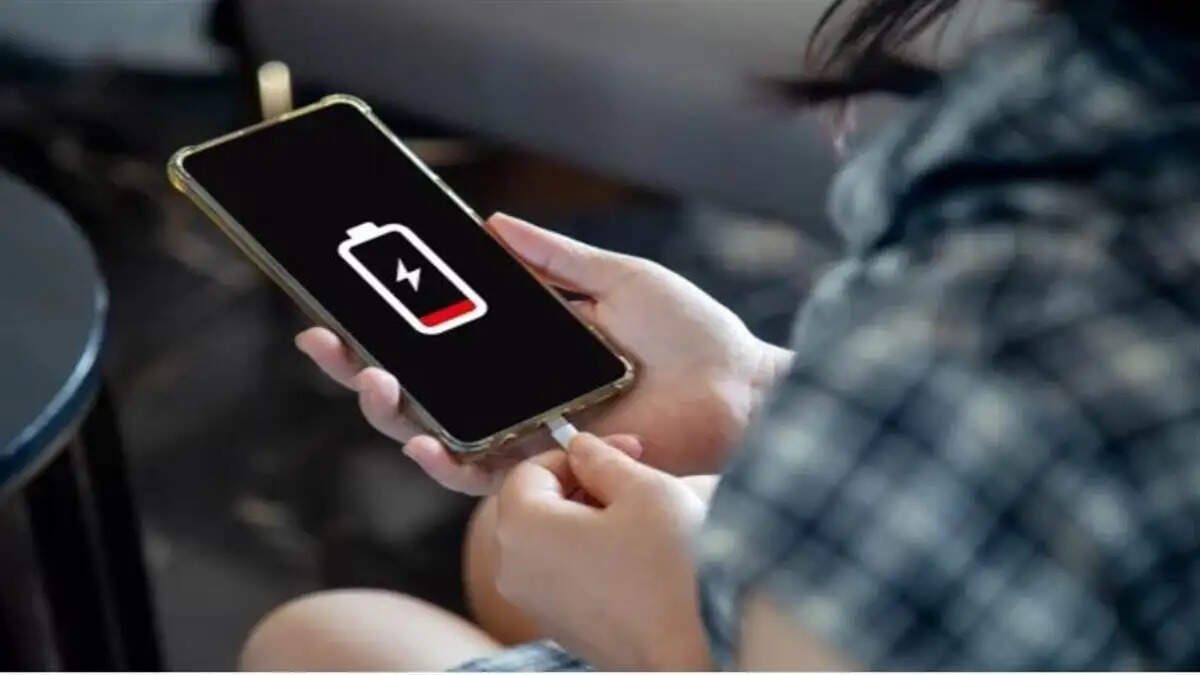
New Delhi: In today's world, smartphones have become essential for everyone. Whether it's for work, online classes, or staying connected with friends and family, we rely heavily on our phones. However, the issue of rapid battery drain has become a common and frustrating problem.
If you find yourself searching for a charger every few hours, it's time to adopt some smart habits. The following 10 easy and effective tips will not only help your battery last longer but also enhance your phone's performance.
10 Simple and Effective Tips to Save Your Phone's Battery
Reduce Screen Brightness or Enable Auto-Brightness
The screen of your phone consumes the most battery. To save battery, either turn on the 'Auto-Brightness' feature in settings or manually lower the brightness.
Utilize Battery Saver Mode
Most smartphones come equipped with a feature known as Battery Saver or Low Power Mode. Activating this mode will close background apps and processes, allowing your battery to last longer.
Turn Off Bluetooth, GPS, and Wi-Fi When Not in Use
These three features continuously drain battery power, even when not actively used. Only enable GPS when needed for navigation, and turn off Wi-Fi and Bluetooth once your tasks are complete.
Close Background Apps
Sometimes apps do not fully close and continue running in the background, consuming battery. Manually close these apps using your phone's Task Manager.
Disable Unnecessary Notifications
Each notification lights up the screen and drains battery. In settings, keep notifications enabled only for essential apps.
Use Dark Mode (For AMOLED Screens)
If your phone has an AMOLED display, using dark mode can save significant battery. Black pixels consume less power, leading to reduced battery usage.
Keep Software Updated
Phone manufacturers regularly release updates that include battery-saving technologies. Check for updates periodically in Settings > System Update.
Always Use Original Chargers
Using fake or cheap chargers can damage your battery and phone. Always opt for branded and original chargers.
Disable Background Data and Auto-Refresh
Many apps consume data without your knowledge. Turn off background data and auto-sync in the app settings.
Restart Your Phone Regularly
Restarting your phone can close background apps and refresh the system. Make it a habit to restart your phone every 2-3 days.
Final Thoughts
- Saving battery doesn't mean you have to reduce phone usage.
- By managing certain features wisely, you can extend battery life and improve phone performance.
If you're tired of constantly charging your phone throughout the day, start implementing these tips today. Less charging, longer-lasting smartphone – it's in your hands!