
Unlocking Creativity with Emoji Kitchen: A Fun Guide
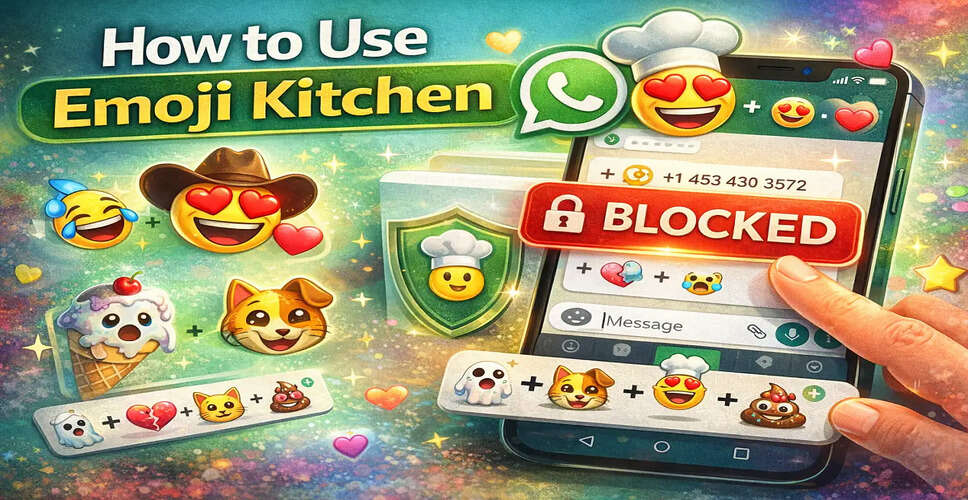
Enhancing Digital Conversations with Emoji Kitchen
In today's digital age, emoji conversations play a crucial role in how we communicate. With the innovative feature known as Emoji Kitchen, users can elevate their chats, making them more engaging and expressive. This tool allows individuals to blend various emojis, resulting in unique designs that add flair to their messages.
If you're keen on experimenting with emojis or wish to spice up your conversations, Emoji Kitchen is definitely worth a try. This guide will walk you through the steps to effectively utilize Emoji Kitchen and maximize its potential.
Understanding Emoji Kitchen
What Is Emoji Kitchen?
Emoji Kitchen is a feature that enables users to merge two emojis to create personalized combinations. It is typically accessible through keyboard applications and messaging platforms such as **Google’s Gboard** and apps like **Google Messages** and **WhatsApp**.
This feature provides a plethora of creative emoji mashups, making conversations more enjoyable and expressive.
How to Use Emoji Kitchen: A Step-by-Step Guide
Step-by-Step Guide to Using Emoji Kitchen
1. Verify App Compatibility
Before diving into Emoji Kitchen, confirm that your device has an app or keyboard that supports this feature. Most Android devices can access it via Gboard or Google Messages.
2. Start a Chat
Open your preferred messaging application and either select an existing chat or initiate a new conversation with someone.
3. Access the Emoji Panel
On your keyboard, click the emoji icon (often depicted as a smiley face or globe) to open the emoji panel.
4. Locate Emoji Kitchen
Within the emoji menu, search for Emoji Kitchen suggestions. Typically, tapping an emoji will prompt the keyboard to display combination options above it.
5. Choose Your Base Emoji
Select an emoji to serve as your base for creating combinations.
6. Discover Suggested Combinations
After picking your base emoji, various unique combinations will be displayed. Browse through the suggestions to find one that appeals to you.
7. Add the Emoji Combination
Tap on your chosen emoji mix, and it will be inserted directly into your message.
8. Send Your Message
After selecting the emoji combination, simply hit the send button to share it with your contact.
Maximizing Your Emoji Kitchen Experience
Tips to Get the Most Out of Emoji Kitchen
- Experiment with various emoji combinations to uncover hidden designs.
- Utilize creative mixes to convey emotions in a playful manner.
- Regularly update your keyboard app to access new emoji combinations.
- Combine emojis that reflect moods, celebrations, or reactions.
The Popularity of Emoji Kitchen
Why Emoji Kitchen Is Popular
Emoji Kitchen has surged in popularity as it empowers users to transcend standard emojis and craft something distinctive. It injects creativity into daily conversations, making messaging more interactive.
With countless combinations available, users can continually experiment and discover new emoji styles that resonate with their feelings or messages.
Conclusion
Final Thoughts
Emoji Kitchen is a delightful feature that infuses creativity into digital conversations. By mixing emojis and exploring new combinations, users can enliven their chats and express themselves more vividly.
Whether you're chatting with friends or sharing reactions in group discussions, Emoji Kitchen provides a straightforward yet enjoyable way to enhance your messaging experience.