
Understanding UPI Lite: Simplifying Digital Payments in India
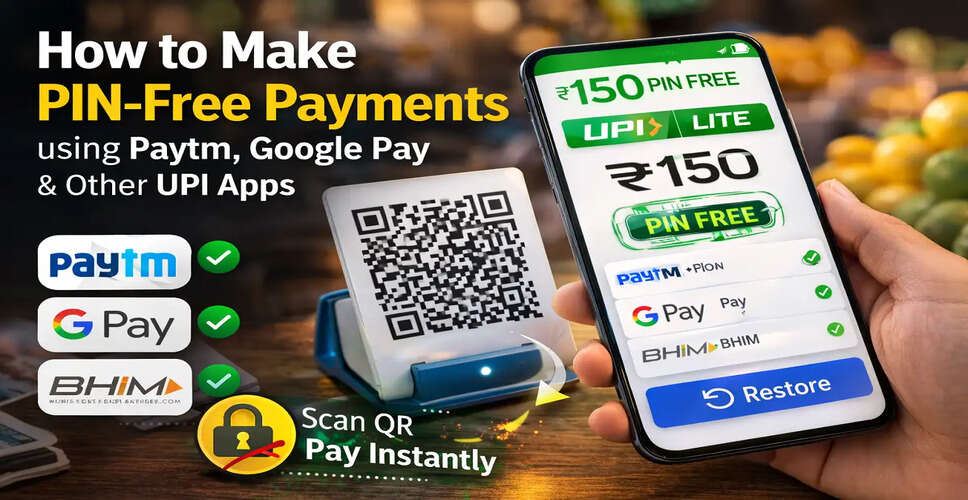
Introduction to UPI Lite
Digital payment methods in India have seen significant growth in recent years, with a vast number of users opting for UPI for their daily transactions. From purchasing groceries to paying at local vendors or ordering street food, UPI-based applications have emerged as the go-to payment solution for many individuals.
The Need for UPI Lite
However, the requirement to input a UPI PIN for every minor transaction can be cumbersome, particularly for quick payments involving small sums. To tackle this challenge, the National Payments Corporation of India has launched UPI Lite, a feature aimed at streamlining low-value payments.
What Is UPI Lite?
UPI Lite is a feature that facilitates rapid payments directly from a small wallet integrated within the UPI application. Instead of needing to verify each transaction with a PIN, payments are processed instantly as long as they fall within the specified limit.
The primary objective of UPI Lite is to expedite everyday transactions and alleviate the burden on banking systems concerning low-value payments.
Once activated, UPI Lite serves as the default payment method for transactions up to ₹200, allowing these payments to be completed without entering a PIN.
Transaction Limits with UPI Lite
There are specific parameters for utilizing UPI Lite:
- Maximum payment per transaction: ₹200
- Maximum balance that can be added at once: ₹2,000
- Users can add funds twice daily, resulting in a daily limit of ₹4,000
- No additional transaction fees are incurred
Additionally, smaller payments made through UPI Lite may not be listed individually in your bank statement, enhancing efficiency.
Supported Banks for UPI Lite
Numerous banks in India currently support UPI Lite, including:
- AU Small Finance Bank
- Axis Bank
- Bank of India
- ICICI Bank
- Indian Bank
- Kotak Mahindra Bank
- State Bank of India
- South Indian Bank
- Union Bank of India
If your bank is included in this list, you can activate UPI Lite through compatible UPI applications.
Activating UPI Lite on Popular UPI Applications
1. Activating UPI Lite on Paytm
- Download or update the Paytm application.
- Launch the app and find the UPI Lite option.
- Select the bank account that supports UPI Lite.
- Input the amount you wish to add to the UPI Lite wallet.
- Authenticate the setup using your UPI PIN (MPIN).
After completing these steps, you can make small payments instantly without needing to enter a PIN each time.
2. Activating UPI Lite on Google Pay
- Open the Google Pay application.
- Select the bank account eligible for UPI Lite.
- Follow the prompts to activate UPI Lite.
- Authenticate the setup.
Once activated, payments under ₹200 can be made swiftly without entering your PIN.
3. Activating UPI Lite on BHIM App
- Launch the BHIM application.
- Tap on the UPI Lite option.
- Select a supported bank account.
- Add funds (up to ₹2,000) to activate the feature.
Once funds are added, you can begin making PIN-free transactions.
4. Using UPI Lite on Other UPI Applications
Many other UPI applications also support this feature. The process is generally similar:
- Open the UPI application.
- Look for the UPI Lite banner or option.
- Select a supported bank account.
- Add money to the UPI Lite wallet.
After activation, you can complete small payments quickly without entering your PIN each time.
Advantages of UPI Lite
Faster payments – Small transactions are processed instantly.
Convenience – No need to enter a PIN for payments below ₹200.
Reduced bank load – Assists banks in managing high transaction volumes effectively.
Secure transactions – Still supported by UPI's security framework.
UPI Lite aims to simplify digital payments for everyday purchases. By enabling PIN-free payments for smaller amounts, this feature enhances convenience and accelerates transactions at various payment points.
As digital payment adoption continues to rise in India, features like UPI Lite are anticipated to make routine financial transactions even more seamless and efficient.