
Understanding Instagram's Account Status Feature: A Comprehensive Guide

Introduction to Instagram's Account Status
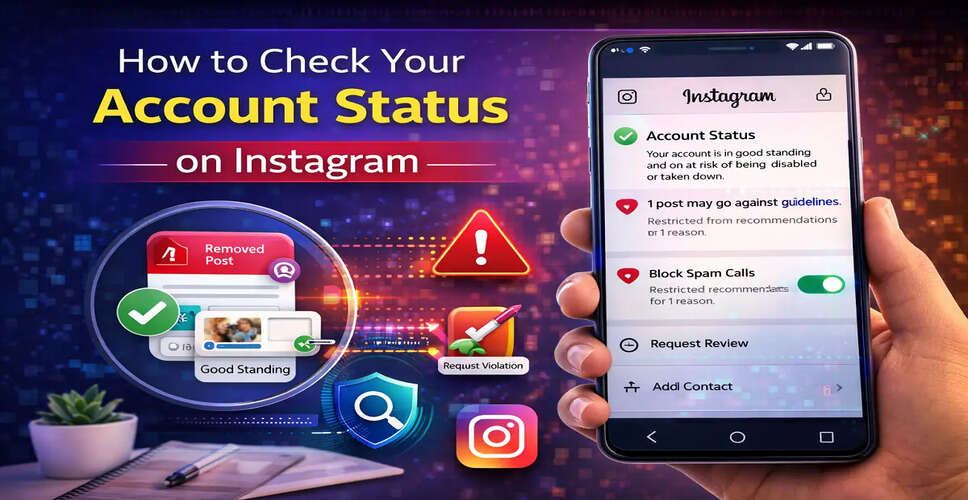
Social media platforms enforce strict guidelines to ensure a safe and positive user experience. Instagram, in particular, has rolled out an Account Status feature aimed at helping users determine if their content adheres to the platform's policies.
What Is the Instagram Account Status Feature?
The Account Status feature is intended to provide users with greater transparency regarding how their content is managed on Instagram. This tool allows users to:
- Verify if any of their content has been taken down
- Understand the reasons behind the removal of a post or comment
- Review the community guidelines related to the violation
- Request a review if they feel the removal was unjustified
For those with professional accounts, this feature also indicates whether their content qualifies for recommendations on Instagram's discovery surfaces.
Importance of Checking Your Account Status
Being aware of your account status is crucial for maintaining a healthy profile and avoiding penalties. Here are some reasons why it's essential to check your account status:
Content compliance:
Ensures your posts align with Instagram's rules and policies.
Avoid account restrictions:
Repeated violations may impact your account's visibility or result in suspension.
Enhance reach and visibility:
Content that complies with recommendation guidelines can be featured in Explore, Reels, and other discovery sections.
Transparency:
This feature offers clear explanations for any content removals.
Steps to Check Your Account Status on Instagram
To review your account status on Instagram, follow these straightforward steps:
Step 1: Open Instagram
Launch the Instagram app on your mobile device.
Step 2: Navigate to Your Profile
Tap your profile picture located at the bottom-right corner.
Step 3: Access Menu Options
Tap the menu icon (three horizontal lines) in the top-right corner.
Step 4: Go to Settings and Privacy
Select Settings and Privacy from the menu.
Step 5: Tap on Account
Scroll down and select the Account option.
Step 6: Choose Account Status
Tap Account Status to view your account details.
Insights Available in Account Status
Upon accessing the Account Status section, Instagram provides several key insights about your account.
Removed Content
Check if any of your posts, stories, reels, or comments were removed for breaching Instagram’s community guidelines.
Reason for Content Removal
Instagram will explain why the content was taken down and which guideline it breached.
Request a Review
If you believe the content was wrongly removed, you can request a review of the decision from this section.
Access Community Guidelines
Users can also review Instagram’s policies to gain a better understanding of the platform’s rules.
Account Status for Professional Accounts
For creators and businesses utilizing professional accounts, additional insights are available.
Community Guidelines compliance:
View content that has been removed for violating Instagram’s rules.
Recommendations Guidelines:
Check if your content is eligible for recommendations to users who do not follow you.
Profile elements affecting recommendations:
Profile details such as bio, profile picture, or posts may influence recommendation eligibility.
Users can also opt to edit or remove content that could limit their account’s reach.
Conclusion
The Account Status feature on Instagram serves as a valuable tool for users to monitor their profile's health. By regularly reviewing this section, users can ensure their content aligns with the platform’s guidelines and avoid potential restrictions.
Whether you are a casual user, content creator, or business account holder, keeping an eye on your account status can help maintain visibility and ensure your content reaches the appropriate audience.