
Mastering Your Gmail: A Comprehensive Guide to Unsubscribing from Bulk Emails
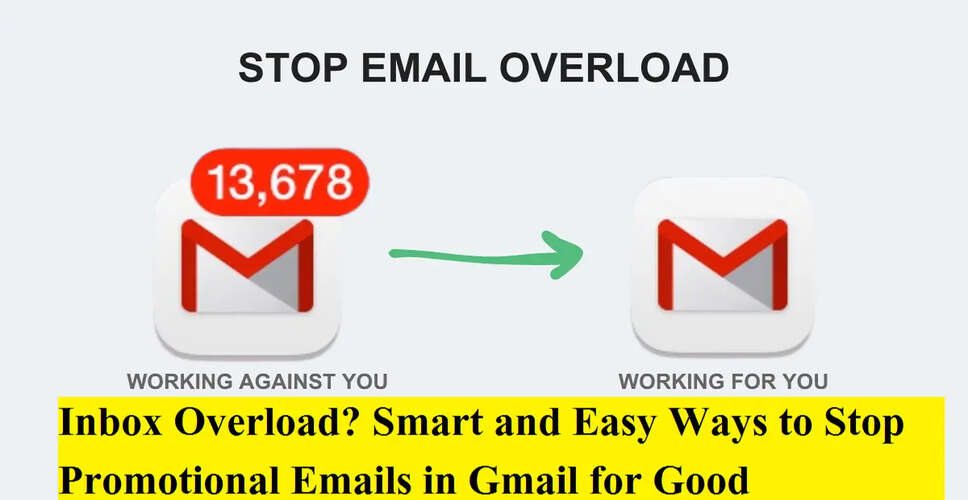
The Importance of a Clean Inbox
A disorganized inbox can lead to missed important messages, hinder productivity, and contribute to daily digital stress. If your Gmail is cluttered with unwanted newsletters, promotional offers, and marketing emails, you're not alone. Fortunately, Gmail provides effective tools that simplify the process of unsubscribing from these bulk emails.
Understanding the Accumulation of Bulk Emails
Over time, we tend to subscribe to various services such as online shopping sites, travel booking platforms, food delivery services, and banking alerts. Initially useful, these emails can quickly become irrelevant, leading to a buildup that obscures important communications.
Method 1: Unsubscribing Directly from Emails
The classic method for halting unwanted emails involves unsubscribing directly from the sender's mailing list.
Step-by-Step Instructions:
- Access the promotional email you wish to stop receiving.
- Scroll to the bottom of the email.
- Look for links labeled “Unsubscribe,” “Manage preferences,” or “Update email settings”.
- Click on the unsubscribe link.
- Confirm your decision on the subsequent webpage.
Typically, you will receive a confirmation message indicating that your email has been removed from the list, although some senders may take a few days to process this request.
Method 2: Utilizing Gmail’s Built-in Unsubscribe Feature
Gmail enhances the unsubscribing process by automatically identifying subscription emails.
Steps to Use Gmail’s Unsubscribe Feature:
- Open your Gmail inbox.
- Search for emails from the sender you wish to unsubscribe from.
- Open one of their emails.
- Near the sender's name at the top, find the “Unsubscribe” option.
- Click it and confirm when prompted.
In many instances, Gmail will manage the unsubscribe request for you without redirecting to an external site, making this method quicker and safer.
Efficiently Unsubscribing from Multiple Emails
While Gmail does not currently offer a one-click option to unsubscribe from all emails, you can expedite the process by:
- Searching for a sender's name and unsubscribing once.
- Repeating this for frequent promotional senders.
- Focusing on emails that arrive daily or weekly.
This targeted strategy can significantly reduce inbox clutter in a short amount of time.
What to Do When Unsubscribe Links Are Missing
Occasionally, unsubscribe links may be hidden or absent.
In such cases, consider the following options:
- Forward the email to yourself and attempt Gmail’s unsubscribe option again.
- Mark the email as Spam, which helps Gmail block similar messages.
- Create filters to automatically delete or archive emails from specific senders.
Marking emails as spam is particularly effective for aggressive or suspicious senders.
Safety Tips for Unsubscribing
While unsubscribing is beneficial, it's crucial to exercise caution:
- Refrain from clicking unsubscribe links in suspicious-looking emails.
- Scammers may disguise phishing attempts as newsletters.
- If the sender appears untrustworthy, utilize Gmail’s Report Spam feature instead.
- Never input passwords or personal information on unsubscribe pages.
Gmail’s built-in unsubscribe button is generally safer than third-party links.
Maintaining a Clean Inbox
After decluttering your inbox, keeping it organized becomes much simpler.
Smart Inbox Practices:
- Unsubscribe immediately from unwanted emails.
- Use filters to auto-archive promotional content.
- Avoid checking marketing boxes when signing up online.
- Regularly review the Promotions tab.
Spending a few minutes each month on inbox maintenance can save you hours in the future.
Advantages of Unsubscribing from Bulk Emails
- Quicker access to important messages.
- Less inbox-related stress.
- Improved focus and productivity.
- Reduced risk of phishing attacks.
- A tidier, more organized email experience.
Managing bulk emails in Gmail doesn't have to be a daunting task. With Gmail's smart unsubscribe tools and a few mindful habits, you can swiftly convert a chaotic inbox into a streamlined workspace.
If promotional emails are overwhelming your Gmail account, now is the ideal time to unsubscribe, filter, and take back control—one sender at a time.