
How to Update Your Name on Truecaller: A Step-by-Step Guide
Why Accurate Caller Identification Matters
Keeping your personal information correct on caller ID services is crucial, especially since many people depend on these platforms to recognize unknown numbers. If your name is displayed incorrectly on Truecaller, you can easily modify it by following a few straightforward steps. This process is simple and can be completed in just a few minutes, whether you are using an Android device or an iPhone.
Understanding Truecaller and the Importance of Your Display Name
Truecaller is renowned for its caller identification and spam-blocking features. Over time, it has broadened its offerings to include messaging, voice calls, flash messaging, and UPI-based money transfers in select areas. The application aids users in identifying unknown callers, blocking spam, and accessing information related to unfamiliar phone numbers.
Since the platform relies on a vast database compiled from user contributions and public records, there may be occasions when your name is inaccurately displayed. Correcting your display name is essential for ensuring accurate identification when others search for or receive calls from your number.
Steps to Change Your Name on Truecaller (For Current Users)
If you are already a Truecaller user, updating your profile name is a quick and easy task. Follow the instructions below based on your device type.
Instructions for Android Users
- Launch the Truecaller app on your Android device.
- Tap the profile icon in the upper-left corner.
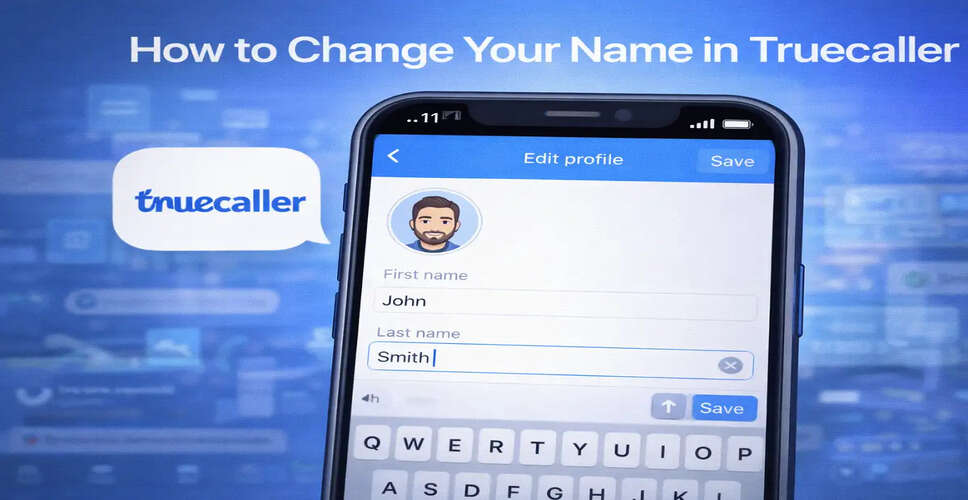
- Select the “Edit Profile” option.
- Input your correct name.
- Save your changes.
After saving, your new name will be reflected in your profile. However, it may take some time for the changes to be visible to others.
Instructions for iPhone Users
- Open the Truecaller app on your iPhone.
- Tap the profile icon in the upper-left corner.
- Select “Edit Profile.”
- Enter your correct name.
- Save the updated information.
The process is nearly identical for both Android and iOS, making it convenient for users to manage their profile information.
What If You Haven't Installed Truecaller?
If you haven't downloaded the app but notice an incorrect name associated with your number, you can suggest corrections via the official website.
How to Suggest a Name Correction
- Visit the official Truecaller website.
- Input your mobile number in the search field.
- Find your profile listing.
- Click on “Suggest a Better Name.”
- Provide the correct name details and submit.
Typically, the platform reviews and implements suggested corrections within one to two days.
Timeframe for Changes to Take Effect
After you edit your name, it may take around 24 to 48 hours for the update to be visible throughout the system. This delay is often due to the platform's periodic data refresh and synchronization.
If your updated name does not show up, consider the following steps:
- Ensure your app is updated to the latest version.
- Restart your device.
- Clear the app cache (for Android users).
How to Clear Cache on Android
- Open your Phone Settings.
- Navigate to Apps.
- Select Truecaller.
- Tap “Storage.”
- Choose “Clear Cache.”
This action can help eliminate outdated stored data and refresh your profile information.
Key Considerations
- Ensure you enter your real and accurate name.
- Avoid using special characters or misleading information.
- Updates may not appear immediately due to data synchronization.
- If problems persist, consider reaching out to Truecaller support through the app.
The Importance of Updating Your Name
Accurate identification fosters trust. When your correct name is displayed during calls, it minimizes confusion and enhances credibility. This is particularly vital for professionals, business owners, and freelancers who need to maintain accurate information on caller ID platforms.
Truecaller is continually enhancing its services and user experience, allowing individuals greater control over their appearance in the global caller database.
Whether you are using Android or iOS, changing or editing your name on Truecaller is a quick process. With just a few taps in the app or a correction request through the website, you can ensure your contact information is displayed accurately.
Keeping your profile updated aids others in identifying you correctly and improves your overall calling experience.