
Beware of ChiChi Video Call Scam: How to Protect Yourself
Understanding the ChiChi Video Call Scam
Recently, terms like "ChiChi Video Call Full" and "Vera Hill Viral Link" have gained traction on social media and search engines. Allegations suggest that a private video call featuring Vera Hill, a lifestyle and travel influencer from the Philippines, has been leaked. However, cybersecurity experts and fact-checkers confirm that no such video exists. This situation exemplifies a Ghost File Scam, designed to deceive users with the pretense of a non-existent video.
How the Scam Operates
Mechanism of the Hacker Trap
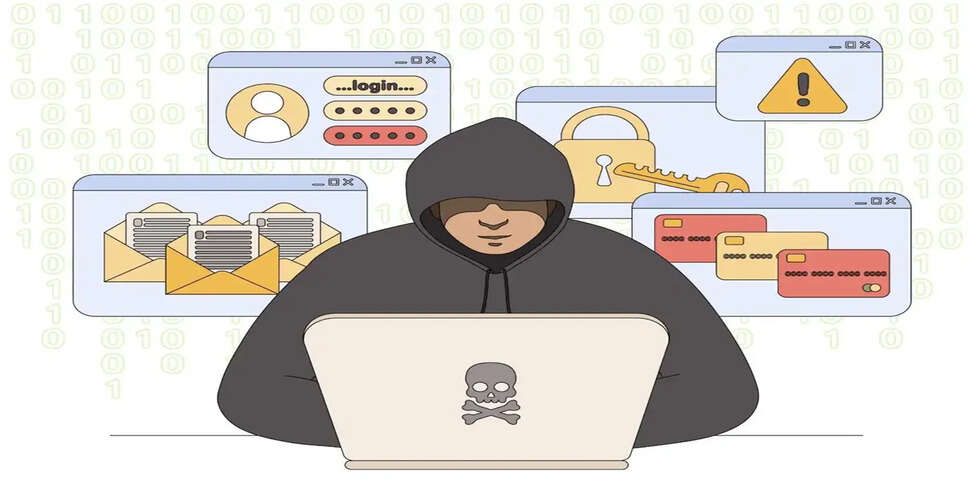
Cybercriminals create fraudulent pages on Google and social media platforms using enticing keywords like "ChiChi Video Call Full" or "Vera Hill Viral Link." When users click these links, they encounter:
Fake Login Pages: Users are prompted to log in via Facebook or email under the guise of age verification, which compromises their passwords.
Malware Installation: Users are misled into installing a browser extension or application disguised as a video viewer, which is actually a keylogger (spyware).
Data and IP Capture: Clicking on these links allows hackers to access your IP address and device details.
Identifying Scammers
Signs of a Scam
Be cautious if a website requests access to your social media accounts to view a video; this is often a scam. Other red flags include:
- Endless Redirects: New pages opening repeatedly after clicking a link.
- Plugin Requests: Messages prompting you to "Update the video player" or "Install a plugin."
- Suspicious URLs: Web addresses containing odd or random characters.
Legal Implications in India
Legal Consequences
In India, viewing, sharing, or disseminating someone else's personal content—whether authentic, deepfake, or fabricated—constitutes a serious violation under the IT Act 2000 and the Indian Penal Code. Engaging with such leaked videos could result in imprisonment.
Steps to Take if You Fall Victim
Immediate Actions
If you believe you have been targeted, take the following steps:
- Scan Your Device: Use a trusted antivirus program on your phone or computer.
- Change Your Passwords: Update your social media and banking passwords and enable Two-Factor Authentication (2FA).
- Report the Incident: Notify your bank if you suspect financial fraud and report it to the cybersecurity helpline at 1920.
- Avoid Spreading Rumors: Do not forward any dubious links.
Stay Safe Online
PC Social Media