
Essential Guide to Registering on the Income Tax E-Filing Portal

Introduction to ITR Registration
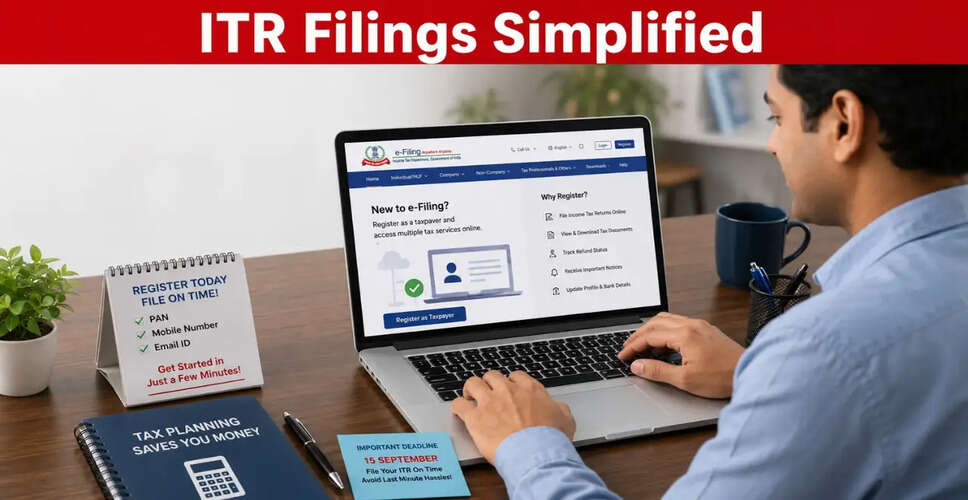
With the Income Tax Returns (ITR) season in full effect, it's crucial for first-time filers to register on the Income Tax Department's e-filing platform. This registration is a prerequisite for submitting ITRs online and accessing various digital tax services. The registration process is straightforward, requiring a valid Permanent Account Number (PAN), an active mobile number, and an email address. Once registered, users can efficiently manage their tax records, view essential documents, and track refunds from a single online interface.
Eligibility and Registration Process
Any individual with a valid and active PAN can register on the Income Tax e-filing portal. Each PAN must have a separate registration, necessitating individual accounts for every taxpayer. Before starting the registration, ensure you have access to the mobile number and email linked to your PAN, as these will be used for OTP verification.
Steps to Register on the Income Tax E-Filing Portal
Completing the registration is quick if you have all necessary information at hand. Here’s how to do it:
- Visit the official Income Tax Department e-filing portal and click on 'Register'.
- Select 'Register as Taxpayer', input your PAN details, and click 'Validate'. An error message will appear if the PAN is already registered or invalid.
- Provide your personal details, including name, date of birth, gender, and residential status as per your PAN records. After verification, click 'Continue'.
- Enter your primary mobile number, email address, and residential address before moving to the next step.
- The system will send OTPs to your registered mobile and email. You must enter both within 15 minutes.
- Review all provided information carefully. If everything is correct, click 'Confirm'.
- Create a strong password for your account and set a personalized login message. After this, click 'Register'.
- Your registration is now complete. Click 'Proceed to Login' to access your account and start using the portal.
Importance of Registration
Having an account on the Income Tax Department's e-filing portal provides numerous advantages beyond just filing your annual return. Registered users can easily access past ITRs, download tax credit statements like Form 26AS, and pre-fill personal and financial details when filing returns. The portal also enables taxpayers to check refund statuses, receive official communications from the Income Tax Department, update profile information, and manage linked bank accounts without the need to visit a tax office.