
EPFO's Unified Member Portal Reopens with Key Updates and New UAN Activation Process
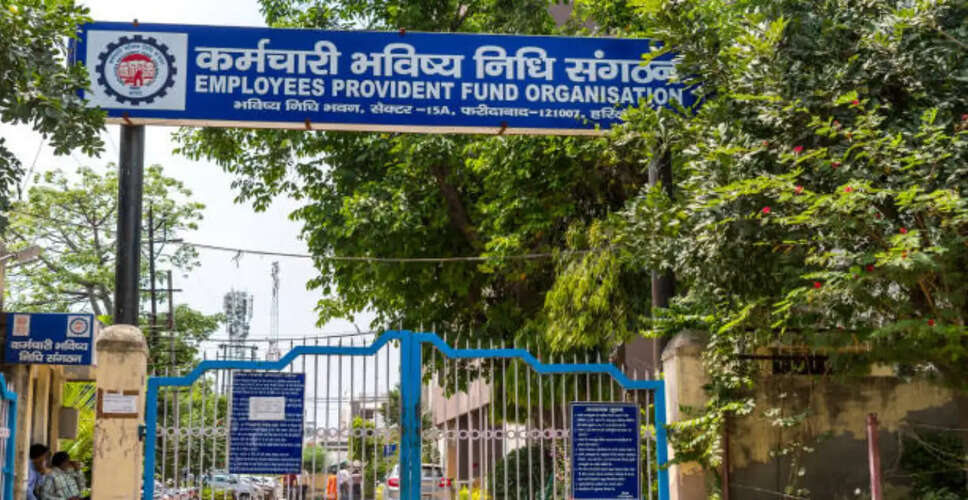

Revamped EPFO Portal Now Live
The Employees' Provident Fund Organisation (EPFO) has successfully relaunched its Unified Member Portal following a week-long upgrade. This enhanced platform features a modernized interface, backend enhancements, and significant modifications to how members access essential services. Notably, the ability to activate or generate a Universal Account Number (UAN) directly on the EPFO website has been removed. Instead, these services are now available exclusively through the Government of India's UMANG app, which requires Aadhaar-based Face Authentication.
EPFO stated that this upgrade is part of a broader initiative to consolidate databases and modernize software, aiming to enhance the speed, security, and reliability of its digital offerings.
Key Changes to EPFO Services
With the recent upgrade, several member services have been revised. The most significant change is the removal of UAN activation and direct UAN generation from the Unified Member Portal. Members must now use the UMANG app for these functions, which will require Aadhaar-based Face Authentication. However, the portal now provides a more efficient method for members who have forgotten their UAN, simplifying the recovery process.
Steps to Activate or Generate a UAN
To activate a UAN, subscribers must use the UMANG app. Here’s how:
- Download the UMANG app from the Google Play Store or Apple App Store.
- Access EPFO Services.
- Select "UAN Activation" under "UAN Services Through Face Auth."
- Complete the Aadhaar-based Face Authentication.
- Follow the on-screen instructions to finalize the activation.
For those needing a new UAN, the process is similar:
- Open the UMANG app.
- Select EPFO Services.
- Click on "UAN Allotment and Activation."
- Complete the Aadhaar-based Face Authentication.
- Follow the remaining steps to generate the UAN.
Employees with an existing EPF account but without a UAN can also obtain one through this method after verifying their registered mobile number and member details. Additionally, EPFO has streamlined the UAN retrieval process for those who have lost or forgotten their account number.
Death Claim Submissions Remain Available
While UAN-related services have transitioned to the UMANG app, beneficiaries can still submit death claims via the EPFO Unified Member Portal. Applicants should prepare the following documents:
- Aadhaar-linked mobile number
- Bank account information
- Death certificate of the EPF member
- Cancelled cheque or bank passbook
- Date of birth proof, if applicable
EPFO has indicated that all supporting documents must be uploaded in PDF format, with each file limited to 2 MB and filenames free of spaces. The organization aims to provide a faster and more secure digital experience, although members may face longer processing times during the initial two-week stabilization phase as additional verification checks are implemented. EPFO advises users to refrain from making repeated submissions or logging in multiple times during peak hours to avoid further delays.